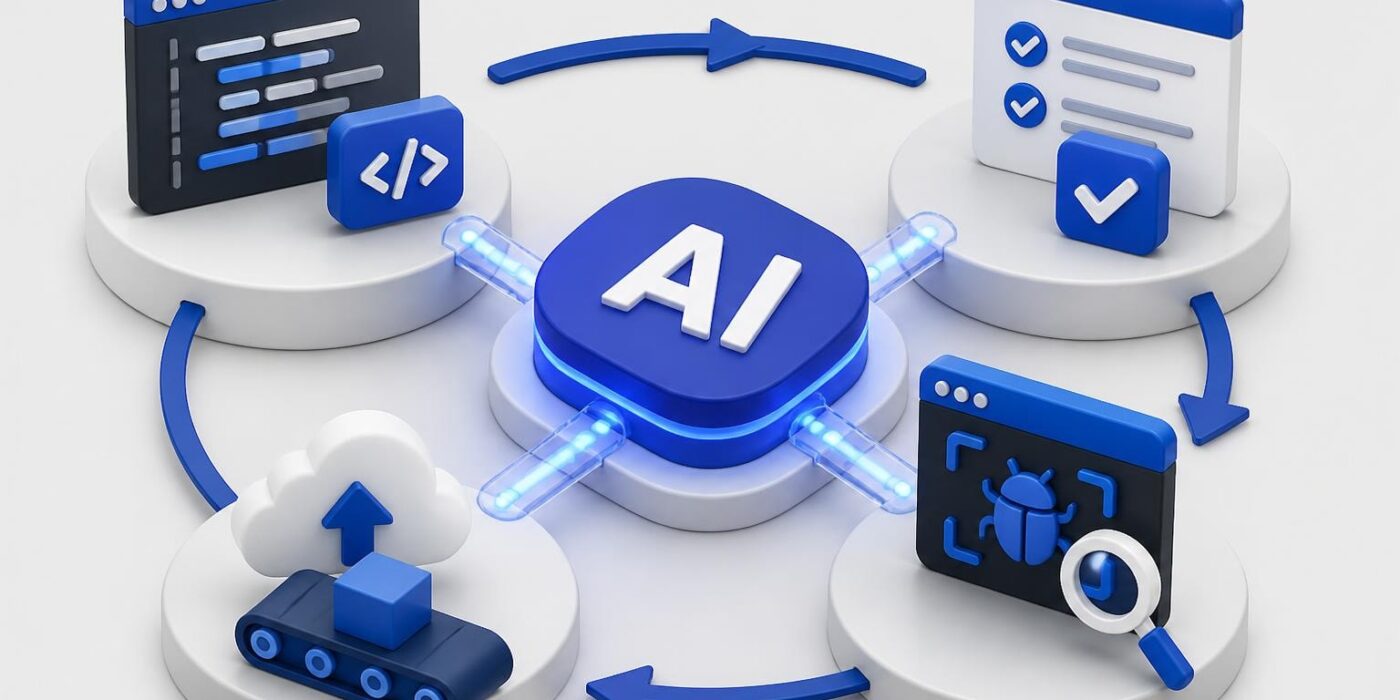
AI and software development have merged into a symbiotic relationship that's reshaping how we build applications. Developers now integrate AI-powered tools directly into their daily workflows, from writing initial code to deploying production systems. This shift isn't about replacing developers. It's about augmenting capabilities, automating repetitive tasks, and shipping features faster without sacrificing quality. Understanding how to effectively combine AI and software development practices separates teams that ship from teams that struggle.
Code Generation and Autocomplete
AI-powered code completion has evolved beyond simple syntax suggestions. Modern tools analyze entire codebases, understand context, and generate multi-line code blocks that match your project's patterns and conventions.
Implementation Strategies
When integrating AI code generation, start with well-defined interfaces and clear function signatures. The AI performs best when it understands the contract between components.
Key implementation steps:
- Define your function signature with descriptive parameter names
- Add a brief comment explaining the function's purpose
- Let the AI generate the implementation
- Review for edge cases and error handling
- Run tests to validate the generated code
The most effective developers treat AI suggestions as starting points, not finished products. GitHub’s research shows that developers who review and refine AI-generated code produce higher-quality results than those who accept suggestions blindly.
Code Quality Considerations
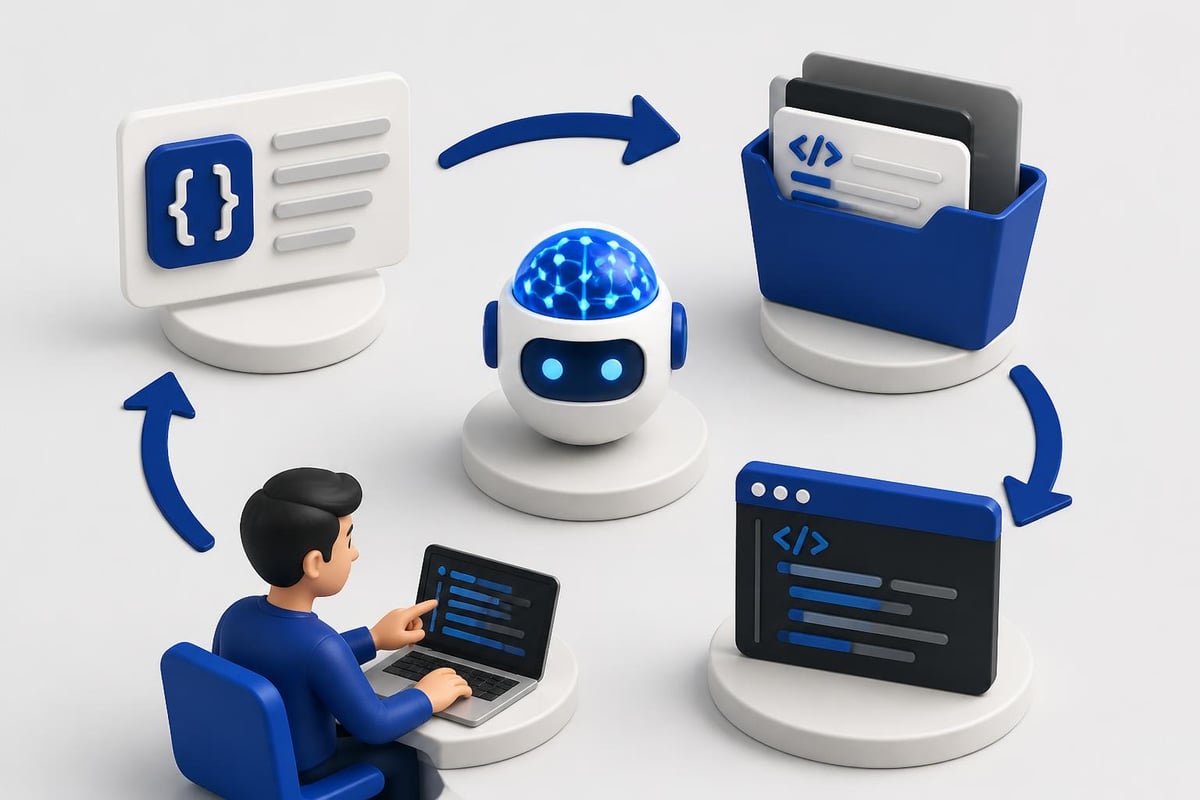
AI-generated code requires the same scrutiny as human-written code. Run your linters, formatters, and static analysis tools against every suggestion.
| Quality Check | Tool Example | What It Catches |
|---|---|---|
| Syntax errors | ESLint, Pylint | Invalid code patterns |
| Security issues | Bandit, Semgrep | Vulnerable code paths |
| Type safety | TypeScript, mypy | Type mismatches |
| Performance | Profilers | Inefficient algorithms |
Modern development workflows blend AI assistance with automated quality gates. The AI speeds up initial implementation while your CI/CD pipeline ensures standards remain consistent.
Automated Testing and Quality Assurance
AI transforms testing from a time-consuming bottleneck into an automated safety net. Instead of manually writing test cases for every edge case, developers can generate comprehensive test suites that cover common scenarios and unusual inputs.
Test Generation Workflow
AI excels at generating unit tests when you provide clear examples. Feed it a function and specify the testing framework, and it produces test cases covering normal operation, edge cases, and error conditions.
def calculate_discount(price, discount_percent):
    """Calculate final price after discount."""
    if discount_percent < 0 or discount_percent > 100:
        raise ValueError("Discount must be between 0 and 100")
    return price * (1 - discount_percent / 100)
An AI assistant generates tests for valid inputs, boundary conditions (0%, 100%), negative values, and extreme numbers. This approach catches bugs before they reach production.
Testing benefits with AI:
- Generate test data that covers edge cases you might miss
- Create mocks and fixtures automatically
- Identify untested code paths
- Suggest test scenarios based on function complexity
The relationship between AI in coding and quality assurance creates a multiplier effect. Better tests mean more confidence in AI-generated code, which accelerates development velocity.
Debugging and Error Resolution
Debugging with AI assistance changes the problem-solving dynamic. Instead of searching Stack Overflow for hours, you paste the error message and relevant code into an AI assistant that suggests specific fixes.
Practical Debugging Approach
When you encounter an error, provide context to the AI: the error message, the relevant code snippet, your runtime environment, and what you've already tried. The AI analyzes stack traces, identifies common causes, and suggests targeted solutions.
Error messages that once required deep debugging sessions now get resolved in minutes. IBM’s analysis of AI in software development shows developers spend 30-40% less time debugging when using AI-powered assistance.
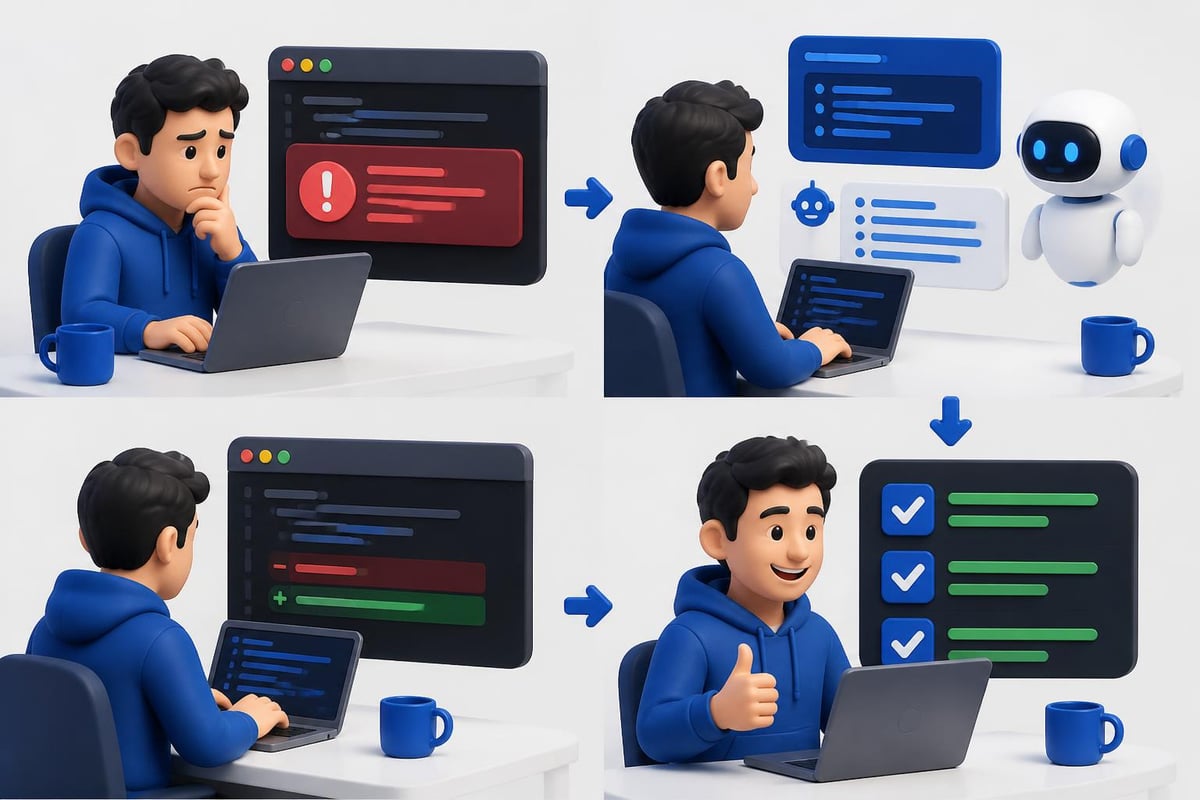
The most valuable debugging assistance comes from AI that understands your specific framework and dependencies. Generic answers waste time, while context-aware suggestions solve problems immediately.
Refactoring and Code Modernization
Legacy code represents both technical debt and business value. AI accelerates refactoring by suggesting improvements while maintaining functionality.
Refactoring Strategies
Modern AI tools analyze code structure and suggest refactoring opportunities: extracting repeated logic into functions, replacing deprecated APIs, improving naming conventions, and simplifying complex conditionals.
Start with small, isolated refactoring tasks. Let the AI suggest improvements to a single function or class before tackling system-wide changes.
| Refactoring Type | AI Capability | Developer Role |
|---|---|---|
| Extract function | Identifies repeated code | Validates logic preservation |
| Update dependencies | Suggests modern alternatives | Tests compatibility |
| Improve naming | Proposes clearer names | Ensures business context |
| Simplify logic | Reduces complexity | Maintains requirements |
The AI for programming workflow combines automated suggestions with human judgment about business requirements and system constraints.
Documentation and Knowledge Management
AI generates documentation that stays synchronized with code changes. Instead of writing docstrings manually, you generate them from function signatures and implementation details.
Documentation Best Practices
Effective AI-generated documentation requires clear code structure. Well-named functions and variables produce better documentation than cryptic abbreviations.
Documentation automation steps:
- Write clear function signatures with type hints
- Generate initial docstrings with AI
- Add business context and domain knowledge
- Update documentation when code changes
- Validate examples in documentation with tests
Microsoft’s research on AI software development demonstrates that teams with AI-generated documentation ship features 25% faster because developers spend less time deciphering existing code.
Internal documentation benefits most from AI assistance. API documentation, system architecture diagrams, and deployment guides all become easier to maintain when AI helps keep them current.
API Integration and Backend Development
Building backend systems with AI assistance means faster API integration, better error handling, and more robust data validation. AI understands common patterns in REST APIs, GraphQL schemas, and database queries.
Building API Clients
When integrating third-party APIs, AI generates client code that handles authentication, request formatting, error handling, and response parsing.
Provide the API documentation or an example request, and the AI produces a complete client implementation. This approach works particularly well for OpenAI, Anthropic, and other AI service providers.
For developers building AI-powered applications, understanding both API design and AI integration creates a competitive advantage. The AI Developer Certification (Mammoth Club) teaches practical integration strategies for production systems, covering prompt engineering, backend workflows, and deployment patterns that work in real applications.

Database Query Optimization
AI assists with database operations by generating optimized queries, suggesting indexes, and identifying N+1 query problems. Feed it your data model and desired output, and it produces efficient queries with proper joins and filters.
Database optimization with AI:
- Convert natural language requirements into SQL queries
- Identify missing indexes from slow query logs
- Suggest query rewrites for better performance
- Generate migration scripts for schema changes
Deployment and DevOps Automation
AI and software development intersect powerfully in DevOps workflows. From generating Docker configurations to creating CI/CD pipelines, AI accelerates infrastructure setup and maintenance.
Infrastructure as Code
AI generates Terraform configurations, Kubernetes manifests, and deployment scripts based on your application requirements. Describe your infrastructure needs in plain language, and the AI produces the corresponding infrastructure code.
# AI-generated Kubernetes deployment
apiVersion: apps/v1
kind: Deployment
metadata:
  name: ai-api-server
spec:
  replicas: 3
  selector:
    matchLabels:
      app: ai-api
  template:
    metadata:
      labels:
        app: ai-api
    spec:
      containers:
      - name: api
        image: your-registry/ai-api:latest
        ports:
        - containerPort: 8000
        env:
        - name: OPENAI_API_KEY
          valueFrom:
            secretKeyRef:
              name: api-secrets
              key: openai-key
This configuration includes environment variables, health checks, and scaling parameters that would take significant time to write manually.
CI/CD Pipeline Generation
Modern CI/CD pipelines require configuration for testing, building, and deploying applications across multiple environments. AI generates pipeline definitions for GitHub Actions, GitLab CI, or Jenkins based on your project structure.
| Pipeline Stage | AI Generates | Manual Addition |
|---|---|---|
| Test | Unit test commands | Integration test credentials |
| Build | Docker build steps | Registry authentication |
| Deploy | Deployment commands | Environment-specific configs |
| Monitor | Basic health checks | Business-specific metrics |
Coursera’s analysis of AI in software development highlights how automated pipeline generation reduces deployment time by 40-50% for teams new to DevOps practices.
Security and Code Review
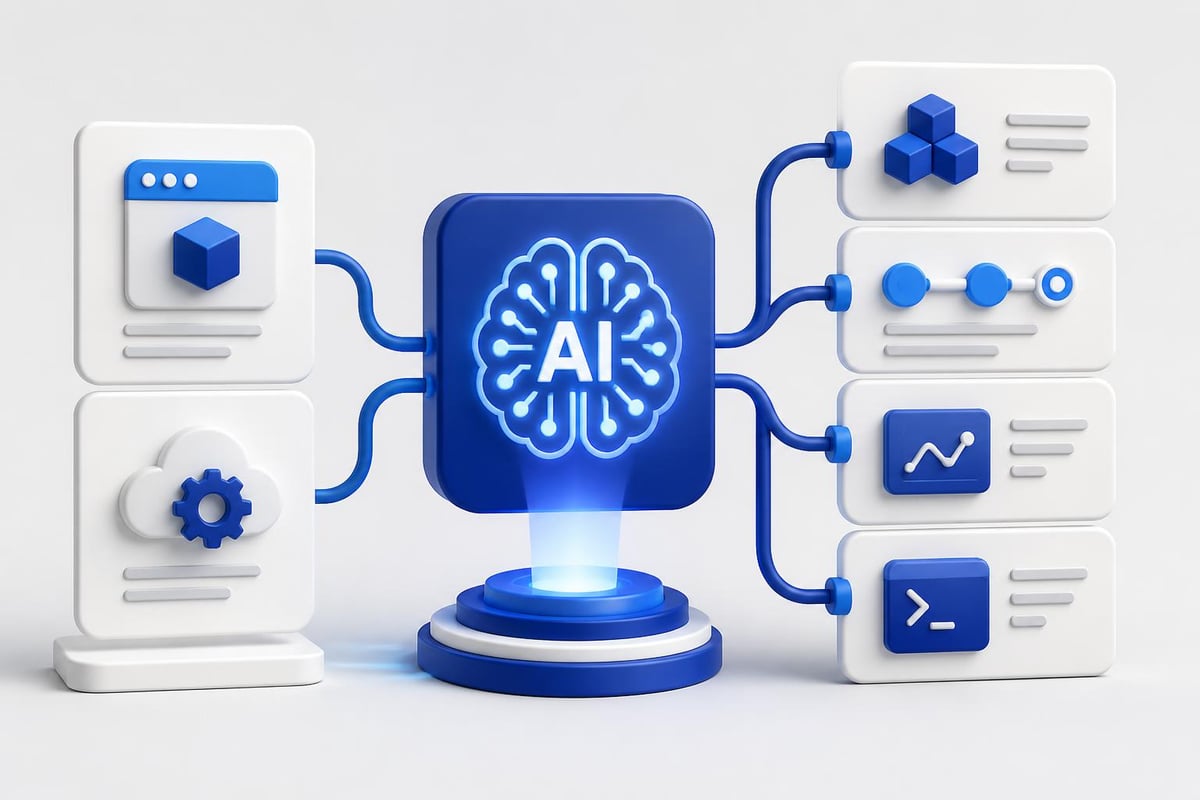
AI assists with security reviews by identifying common vulnerabilities, suggesting fixes, and enforcing security best practices across codebases.
Security Scanning Integration
Integrate AI-powered security scanning into your development workflow before code reaches production. The AI analyzes code for SQL injection, cross-site scripting, insecure authentication, and other OWASP Top 10 vulnerabilities.
When building artificial intelligence based projects, security becomes even more critical. AI systems often handle sensitive data, process user inputs, and make automated decisions that require robust security controls.
Security automation checklist:
- Scan dependencies for known vulnerabilities
- Validate input sanitization and output encoding
- Check for hardcoded credentials and secrets
- Verify authentication and authorization logic
- Review data encryption at rest and in transit
Code Review Assistance
AI augments human code review by catching issues reviewers might miss: inconsistent error handling, missing null checks, performance problems, and style violations.
The best code review workflow combines AI for mechanical checks and humans for architectural decisions. Let AI handle syntax, patterns, and common bugs while reviewers focus on business logic, system design, and maintainability.
Productivity Metrics and Team Impact
Measuring AI impact on development productivity requires tracking concrete metrics: pull request velocity, bug resolution time, test coverage, and deployment frequency.
Quantifiable Improvements
Teams that effectively integrate AI and software development practices report measurable gains across multiple dimensions.
| Metric | Average Improvement | Primary AI Tool |
|---|---|---|
| Code completion speed | 35-45% faster | Autocomplete AI |
| Test coverage | 20-30% increase | Test generation |
| Bug resolution time | 30-40% reduction | Debug assistance |
| Documentation quality | 50-60% improvement | Doc generation |
TechRadar reports that 90% of developers now use AI tools regularly, demonstrating widespread adoption across the industry. The key differentiator isn't whether you use AI, but how effectively you integrate it into your specific workflows.
Team Adoption Strategies
Successful AI adoption requires training, experimentation, and clear guidelines. Start with low-risk tasks like documentation and test generation before moving to critical path development.
Adoption roadmap:
- Train team on AI tool capabilities and limitations
- Start with documentation and test generation
- Expand to code completion and refactoring
- Integrate into code review and debugging
- Measure results and adjust workflows
Early adopters at companies like Nvidia have tripled code output by using AI-specialized development environments, with over 30,000 engineers using customized AI-powered IDEs internally.
Real-World Implementation Patterns
Building production AI systems requires understanding patterns that work at scale. Successful implementations share common characteristics: clear interfaces, robust error handling, monitoring, and gradual rollouts.
Production Deployment Strategy
Deploy AI features behind feature flags to control rollout and gather feedback. Start with internal users, expand to beta testers, then roll out to all users based on performance metrics.
Monitor AI system performance differently than traditional features. Track response times, token usage, error rates, and user satisfaction. AI systems can degrade gradually rather than failing completely.
Production checklist for AI features:
- Implement rate limiting and cost controls
- Add fallback behavior when AI services fail
- Monitor token usage and API costs
- Cache responses for common inputs
- Log interactions for debugging and improvement
Understanding artificial intelligence for development requires balancing innovation with reliability. Production systems need the same operational rigor as any other critical feature.
Error Handling and Resilience
AI API calls can fail, timeout, or return unexpected results. Build resilient systems that handle these scenarios gracefully.
Implement exponential backoff for retries, circuit breakers to prevent cascading failures, and timeouts to avoid hanging requests. Every AI integration point needs error handling that maintains system stability when the AI service experiences issues.
Future Development Patterns
AI and software development continue evolving rapidly. The patterns that work today will improve as AI models become more capable and developers learn more effective integration strategies.
Emerging Capabilities
Current AI development focuses on better context awareness, improved code understanding, and more accurate suggestions. Models trained on broader codebases with better fine-tuning produce more relevant results.
The shift toward specialized AI models for specific programming languages and frameworks means more accurate suggestions that understand domain-specific patterns. Python AI models understand Django patterns, JavaScript models understand React conventions, and Go models understand idiomatic Go practices.
Trends to watch in 2026:
- Multi-file refactoring with full codebase context
- Automated performance optimization suggestions
- AI-powered architectural decision support
- Real-time collaboration with AI pair programming
- Security vulnerability prediction and prevention
Teams that build artificial intelligence projects for students and professionals need to stay current with these evolving capabilities while maintaining focus on shipping working software.
AI and software development have become inseparable parts of modern engineering practice, with practical tools that accelerate every stage from initial code to production deployment. The developers who ship fastest understand how to combine AI assistance with solid engineering fundamentals, automated testing, and continuous integration. AI Code Central provides the practical tutorials, API integration guides, and real-world projects you need to build production-ready AI features, improve your development velocity, and stay competitive in today's rapidly evolving landscape.