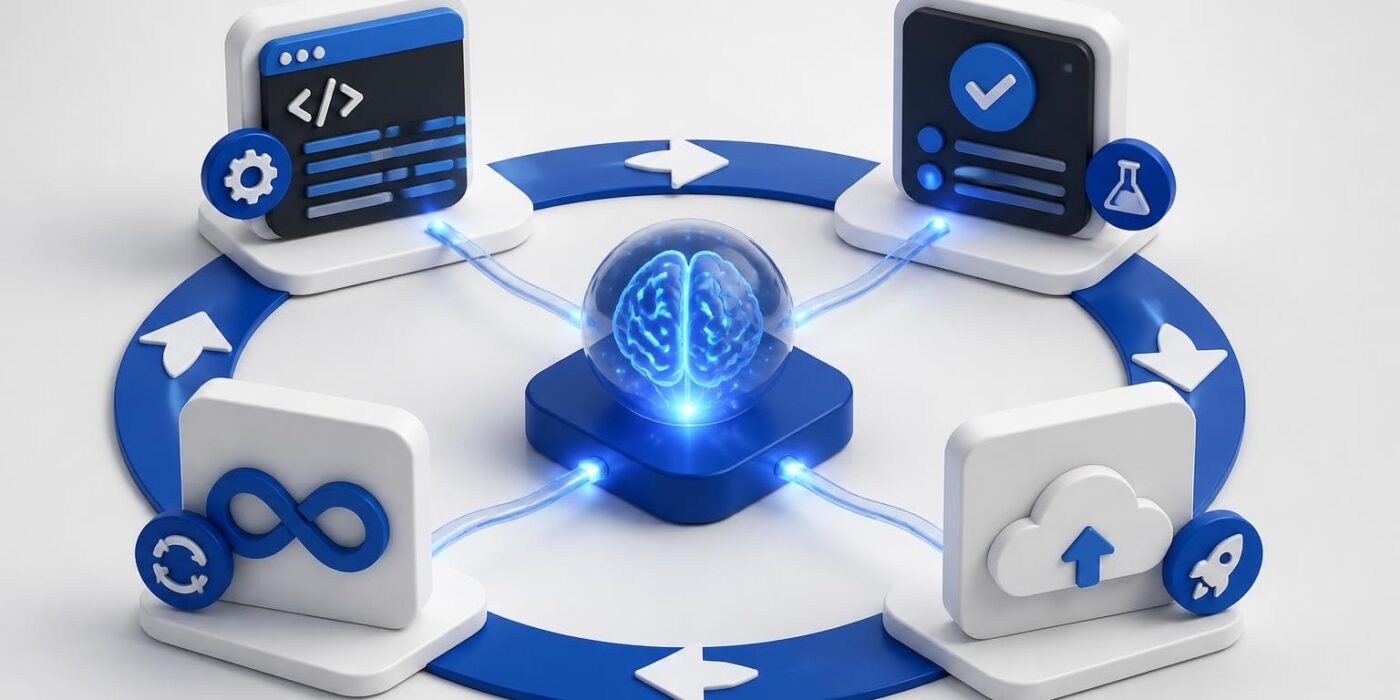
Artificial intelligence for development is shifting from experimental to essential. Developers are integrating AI APIs, automation, and intelligent tooling into production systems at an unprecedented pace. This isn't about replacing developers, it's about augmenting workflows, reducing repetitive tasks, and shipping better software faster. Understanding how to build, deploy, and maintain AI-powered development tools separates teams that thrive from those struggling with legacy approaches. The focus now is on practical implementation, real code, and measurable productivity gains.
Understanding AI's Role in Modern Development Workflows
Artificial intelligence for development encompasses multiple layers of software engineering. From code generation to testing automation, AI models are becoming standard components in the developer toolkit.
The most impactful implementations focus on:
- Code completion and generation using large language models
- Automated testing that adapts to codebase changes
- Bug detection and security scanning powered by pattern recognition
- Documentation generation from code comments and function signatures
- DevOps automation for deployment, monitoring, and incident response
Each layer requires different integration approaches. Code completion tools like GitHub Copilot or Cursor use real-time context from your editor. Testing frameworks leverage AI to generate edge cases and identify brittle tests. Security tools scan for vulnerabilities using models trained on known exploits and attack patterns.
The key difference in 2026 is accessibility. You don't need a research team to implement these tools. Most are available through straightforward APIs or plugins that integrate with existing IDEs and CI/CD pipelines.
API-First Integration Strategy
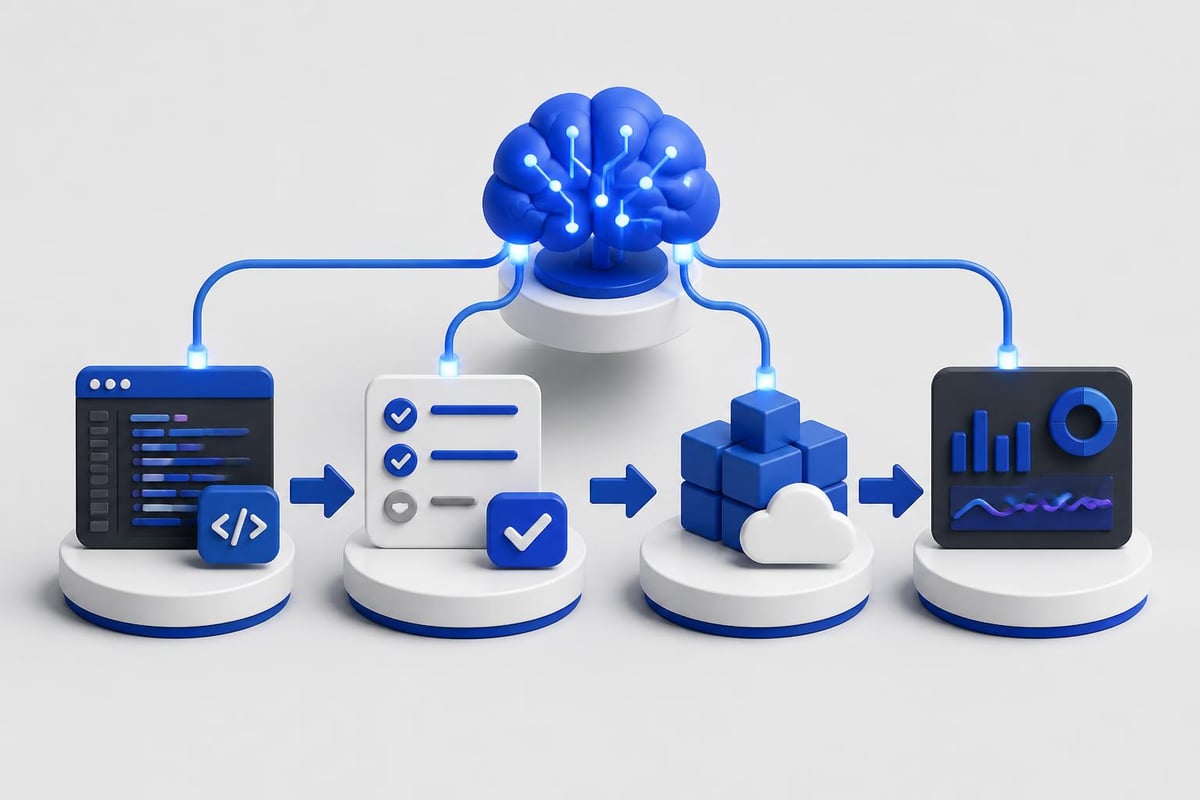
Start with API-based tools before building custom models. OpenAI, Anthropic, and Google Cloud offer developer-focused APIs with clear documentation and predictable pricing.
Here's a basic implementation using OpenAI's API for code review automation:
import openai
import os

openai.api_key = os.getenv("OPENAI_API_KEY")

def review_code(code_snippet, language="python"):
    prompt = f"""Review this {language} code for:
    - Security vulnerabilities
    - Performance issues
    - Best practice violations

    Code:
    {code_snippet}

    Provide actionable feedback."""

    response = openai.chat.completions.create(
        model="gpt-4",
        messages=[
            {"role": "system", "content": "You are a senior software engineer conducting code review."},
            {"role": "user", "content": prompt}
        ],
        temperature=0.3
    )

    return response.choices[0].message.content

# Example usage
sample_code = """
def process_user_input(data):
    query = "SELECT * FROM users WHERE id = " + data['user_id']
    return execute_query(query)
"""

feedback = review_code(sample_code)
print(feedback)
This pattern works for any development task where you need intelligent analysis. The model examines code context and returns structured feedback. You can extend this to check documentation quality, suggest refactoring, or generate unit tests.
Building AI-Powered Development Tools
Creating production-ready development tools requires more than API calls. You need proper error handling, rate limiting, caching, and integration with existing workflows.
| Component | Purpose | Implementation Priority |
|---|---|---|
| API Client | Handle requests/responses | High |
| Cache Layer | Reduce API costs | High |
| Error Handler | Manage failures gracefully | High |
| Rate Limiter | Prevent quota exhaustion | Medium |
| Metrics Logger | Track usage and performance | Medium |
| Fallback Logic | Ensure system stability | Low |
Implementing a Production Code Assistant
Build a code assistant that integrates with your CI/CD pipeline. This example uses Claude's API for pull request analysis:
import anthropic
import json
from functools import lru_cache
from datetime import datetime, timedelta

class CodeReviewAssistant:
    def __init__(self, api_key):
        self.client = anthropic.Anthropic(api_key=api_key)
        self.cache_ttl = timedelta(hours=1)
        self.cache = {}

    def analyze_pr(self, diff, files_changed):
        cache_key = hash(diff)

        # Check cache first
        if cache_key in self.cache:
            cached_time, result = self.cache[cache_key]
            if datetime.now() - cached_time < self.cache_ttl:
                return result

        prompt = f"""Analyze this pull request:

Files changed: {files_changed}

Diff:
{diff}

Provide:
1. Security concerns
2. Performance implications
3. Suggested improvements
4. Test coverage gaps"""

        message = self.client.messages.create(
            model="claude-3-5-sonnet-20241022",
            max_tokens=2000,
            messages=[
                {"role": "user", "content": prompt}
            ]
        )

        result = message.content[0].text
        self.cache[cache_key] = (datetime.now(), result)

        return result

    def generate_tests(self, function_code, language):
        prompt = f"""Generate comprehensive unit tests for this {language} function:

{function_code}

Include edge cases, error scenarios, and happy path tests."""

        message = self.client.messages.create(
            model="claude-3-5-sonnet-20241022",
            max_tokens=1500,
            messages=[
                {"role": "user", "content": prompt}
            ]
        )

        return message.content[0].text

# Usage in CI/CD
assistant = CodeReviewAssistant(api_key=os.getenv("ANTHROPIC_API_KEY"))
pr_analysis = assistant.analyze_pr(git_diff, changed_files)
The caching layer is critical. Without it, you'll burn through API quotas and slow down your pipeline. Hash the input, store results temporarily, and reuse them for identical requests.
For developers looking to master these integration patterns, AI Developer Certification (Mammoth Club) offers hands-on projects that teach you how to build and deploy production-ready AI features using real-world workflows, from prompt engineering to backend integration.

Practical Applications Across Development Stages
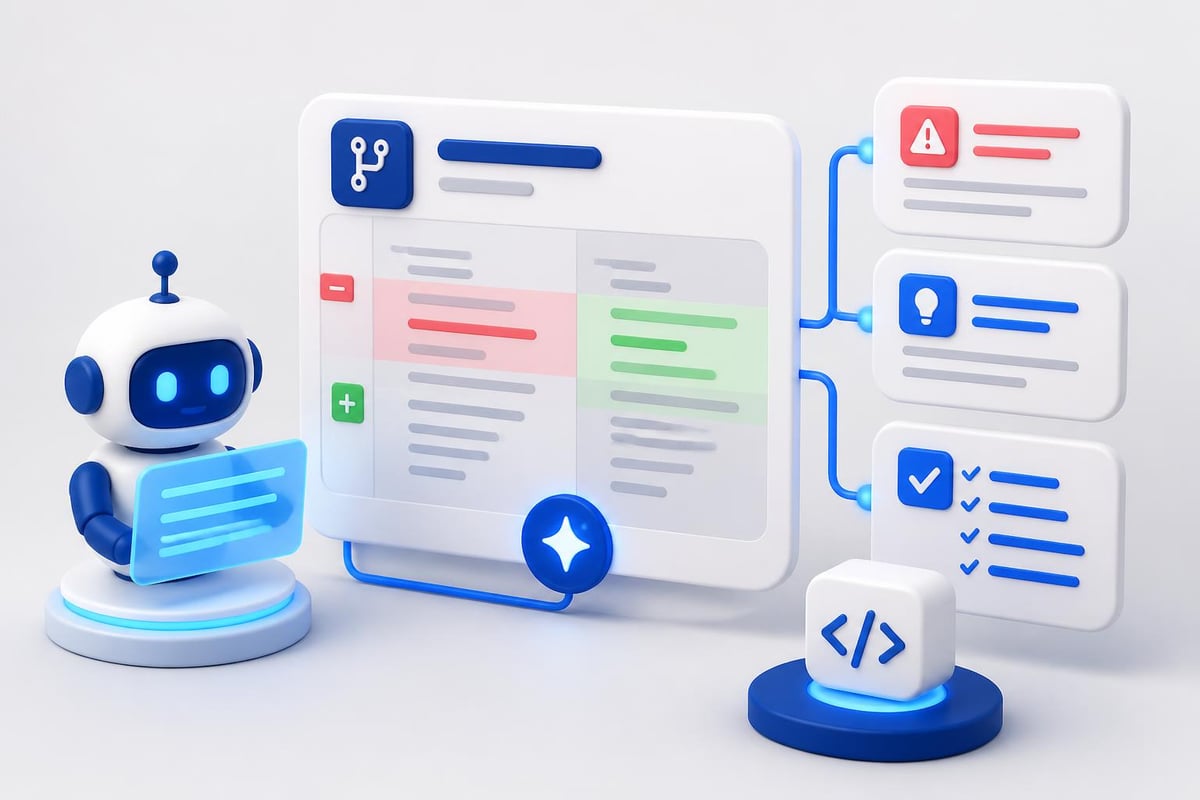
Artificial intelligence for development transforms multiple stages of the software lifecycle. Understanding where to apply AI yields the highest ROI.
Code Generation and Completion
Modern AI coding assistants understand context from your entire project. They don't just autocomplete lines, they suggest entire functions based on comments, type signatures, and surrounding code.
Best practices for AI code generation:
- Write clear function signatures and docstrings first
- Provide context through descriptive variable names
- Review generated code for security issues
- Test AI-generated functions independently
- Use version control to track AI suggestions
The World Bank’s World Development Report 2026 highlights how AI tools can fill skills gaps and enhance productivity in software development across different economic contexts.
Automated Testing and Quality Assurance
AI excels at generating test cases that humans overlook. Train models on your existing test suite to understand your testing patterns, then generate additional cases for new features.
def generate_test_cases(function_signature, existing_tests):
    """Generate additional test cases using AI"""

    prompt = f"""Given this function signature:
{function_signature}

And existing tests:
{existing_tests}

Generate 5 additional edge case tests that aren't covered."""

    # API call implementation
    # Returns structured test cases
    pass
This approach works particularly well for API endpoints, data transformation functions, and business logic with complex conditional paths.
Documentation Automation
Documentation falls behind code because writing it is tedious. AI solves this by generating documentation from code structure, comments, and commit messages.
The workflow:
- Extract function signatures and type hints
- Parse inline comments and docstrings
- Analyze function behavior from unit tests
- Generate markdown documentation
- Format for your documentation platform
Many teams integrate this into pre-commit hooks or CI pipelines. When code changes, documentation updates automatically.
Integrating AI into DevOps and Deployment
The operations side of development benefits as much as coding. AI models monitor logs, predict failures, and automate incident response.
Log Analysis and Anomaly Detection
Traditional log monitoring relies on predefined rules. AI-based systems learn normal patterns and flag deviations automatically.
| Traditional Approach | AI-Powered Approach |
|---|---|
| Manual rule creation | Automated pattern learning |
| High false positive rate | Context-aware filtering |
| Static thresholds | Dynamic baseline adjustment |
| Reactive alerts | Predictive warnings |
| Limited correlation | Cross-system pattern detection |
Implementation requires feeding historical logs into models that establish baselines. When new logs deviate from expected patterns, the system flags them for investigation.
Intelligent Deployment Strategies
AI models analyze deployment metrics to determine optimal release timing and canary rollout percentages. They consider factors like current system load, recent error rates, and historical deployment success patterns.
Research on AI integration with Agile methodologies demonstrates how artificial intelligence for development improves continuous integration and delivery pipelines, though it requires specialized technical expertise.

Building Responsible AI Development Tools
Implementing artificial intelligence for development isn't just technical. You need to address bias, privacy, and reliability concerns.
Key considerations:
- Data privacy: Don't send proprietary code to external APIs without encryption and data residency guarantees
- Model bias: AI coding assistants trained on public repos may suggest outdated or insecure patterns
- Reliability: Always have fallback mechanisms when AI services are unavailable
- Cost control: Implement rate limiting and budget alerts to prevent runaway API expenses
The AI4D initiative emphasizes building safe, inclusive, and ethical AI solutions, principles that apply equally to development tooling as to end-user applications.
Implementing Privacy-Preserving Workflows
When using AI for code review or analysis, strip sensitive information before sending to external APIs:
import re

def sanitize_code(code):
    """Remove sensitive data before AI analysis"""

    # Remove API keys and secrets
    code = re.sub(r'api_keys*=s*["'][^"']+["']', 'api_key = "REDACTED"', code)
    code = re.sub(r'secrets*=s*["'][^"']+["']', 'secret = "REDACTED"', code)

    # Remove database connection strings
    code = re.sub(r'postgresql://[^s]+', 'postgresql://REDACTED', code)

    # Remove IP addresses
    code = re.sub(r'bd{1,3}.d{1,3}.d{1,3}.d{1,3}b', 'XXX.XXX.XXX.XXX', code)

    return code

def safe_code_review(code_snippet):
    sanitized = sanitize_code(code_snippet)
    return review_code(sanitized)
This preprocessing step ensures you benefit from AI analysis without exposing sensitive infrastructure details.
Measuring Impact and ROI
Track specific metrics to justify AI development tool adoption. Focus on measurable improvements rather than subjective productivity claims.
Key Performance Indicators
- Time to first commit for new features
- Bug detection rate in pre-production
- Code review cycle time from PR to merge
- Test coverage percentage across codebase
- Documentation completeness scores
- Deployment failure rate and rollback frequency
Create dashboards that compare these metrics before and after AI tool integration. Most organizations see 20-30% improvements in code review time and 40-50% increases in test coverage within the first quarter.
Research analyzing AI’s impact on Sustainable Development Goals demonstrates the importance of measuring both intended benefits and unintended consequences, a practice equally valuable for internal development tools.
Advanced Integration Patterns
Once basic AI tools are working, advance to more sophisticated patterns that compound benefits.
Multi-Model Orchestration
Different models excel at different tasks. GPT-4 handles complex reasoning, Claude excels at long-context analysis, and specialized models like Codex optimize for code generation.
class MultiModelOrchestrator:
    def __init__(self):
        self.models = {
            'code_gen': 'gpt-4',
            'review': 'claude-3-5-sonnet',
            'security': 'specialized-security-model'
        }

    def process_task(self, task_type, input_data):
        model = self.models.get(task_type)

        if task_type == 'code_gen':
            return self.generate_code(input_data, model)
        elif task_type == 'review':
            return self.review_code(input_data, model)
        elif task_type == 'security':
            return self.security_scan(input_data, model)

    def generate_code(self, specs, model):
        # Implementation using specified model
        pass
This pattern routes requests to the most appropriate model, optimizing for quality and cost.
Feedback Loops and Model Fine-Tuning
Collect developer feedback on AI suggestions. Use acceptance rates, manual edits, and explicit ratings to improve recommendations over time.
Implementation steps:
- Log all AI suggestions with unique IDs
- Track which suggestions developers accept, modify, or reject
- Annotate rejections with reason codes
- Aggregate feedback monthly
- Fine-tune prompts or models based on patterns
- A/B test improvements against baseline performance
This creates a continuous improvement cycle where your AI development tools become increasingly aligned with team preferences and project requirements.
Real-World Implementation Challenges
Deploying artificial intelligence for development introduces specific technical challenges beyond standard software integration.
Latency and Performance
AI API calls add latency to development workflows. For code completion, responses must arrive within 100-200ms to feel natural. For code review, 5-10 seconds is acceptable.
Mitigation strategies:
- Cache common completions and suggestions
- Use streaming responses for long-form generation
- Implement aggressive timeout policies (fail fast)
- Prefetch predictions based on cursor position
- Deploy edge functions closer to development teams
The IDRC’s AI4D program addresses similar challenges in resource-constrained environments, emphasizing the importance of efficient AI implementations.
Version Control and Reproducibility
AI-generated code introduces non-determinism. The same prompt may produce different results across API calls.
Solve this by:
- Versioning prompts alongside code
- Storing AI-generated suggestions in commit metadata
- Using temperature=0 for deterministic outputs when possible
- Maintaining audit logs of all AI interactions
- Implementing review processes for AI contributions
This ensures you can trace the origin of every code change, whether human or AI-generated.
Integration with Existing Development Platforms
Most teams use established platforms like GitHub, GitLab, or Bitbucket. AI tools must integrate seamlessly with these workflows, not replace them.
GitHub Actions Integration
name: AI Code Review

on:
  pull_request:
    types: [opened, synchronize]

jobs:
  ai-review:
    runs-on: ubuntu-latest
    steps:
      - uses: actions/checkout@v3

      - name: Setup Python
        uses: actions/setup-python@v4
        with:
          python-version: '3.11'

      - name: Install dependencies
        run: |
          pip install openai anthropic

      - name: Run AI review
        env:
          OPENAI_API_KEY: ${{ secrets.OPENAI_API_KEY }}
        run: |
          python scripts/ai_review.py --pr-number ${{ github.event.pull_request.number }}

      - name: Post comment
        uses: actions/github-script@v6
        with:
          script: |
            const fs = require('fs');
            const review = fs.readFileSync('review_output.txt', 'utf8');

            github.rest.issues.createComment({
              issue_number: context.issue.number,
              owner: context.repo.owner,
              repo: context.repo.repo,
              body: review
            });
This workflow triggers on every pull request, analyzes changes using AI, and posts feedback as a comment. It runs alongside existing CI checks without disrupting team workflows.
Research on interpretable AI systems emphasizes transparency and accountability, crucial principles when integrating AI into collaborative development environments where multiple team members rely on automated feedback.
IDE Plugin Architecture
For real-time code assistance, build IDE plugins that communicate with your AI backend:
Components:
- Language server protocol (LSP) implementation for cross-IDE compatibility
- WebSocket connection for low-latency bi-directional communication
- Context aggregator that collects relevant code from open files
- Response formatter that converts AI output to editor-friendly format
- Cache manager for frequently-requested completions
This architecture works across VS Code, JetBrains IDEs, and Vim/Neovim with minimal platform-specific code.
Artificial intelligence for development is no longer experimental; it's infrastructure. The teams shipping fastest in 2026 treat AI tools like any other critical dependency: they integrate thoughtfully, measure impact rigorously, and iterate based on real feedback. Whether you're automating code reviews, generating tests, or optimizing deployments, the key is starting with practical implementations that solve specific problems. AI Code Central provides the tutorials, code examples, and real-world projects you need to build production-ready AI features, integrate modern APIs, and ship better software faster. Start building today.